An RTX 5060 with a TGP of 85 watts versus an RTX 5050 that's allowed to draw 100 watts: on paper, the smaller number looks like the weaker card, but in practice things play out differently. This background article explains what TGP really means, why more watts doesn't automatically translate into more performance, and at which wattages a GPU one class higher or lower is the better choice. It includes a clear method to determine for yourself where the tipping point lies when purchasing business laptops.
Anyone purchasing business laptops with a discrete graphics card in 2026 will sooner or later run into a confusing situation. Manufacturer A supplies a thin model with an RTX 5060 allowed to run at 85 watts. Manufacturer B supplies a thicker workhorse with an RTX 5050 that gets the full 100 watts. On the spec sheet, the higher wattage looks like the stronger machine. In practice, that's often not the case — but not always either. This article explains what lies behind the TGP figure, why a watt on one chip yields something different from a watt on another, and how you can determine for yourself where the tipping point lies when purchasing laptops for your organisation.
What TGP really is, and what it isn't
TGP stands for Total Graphics Power: the maximum power that the GPU and its associated memory are allowed to draw under full load. Within a range set by NVIDIA, the laptop manufacturer chooses a value that matches the chassis' cooling and power supply. For the mobile RTX 50 series, those ranges for the entry-level and mid-range roughly lie between 45 and 100 watts, with an additional variable budget on top through Dynamic Boost, which shifts power between the CPU and GPU whenever the processor doesn't need it.
Important to understand: TGP is a ceiling, not a performance promise. It tells you how much energy the chip is allowed to consume, not how much work it delivers per watt. Two things ultimately determine the number of frames per second or the render time of a 3D model: the number of compute cores executing work in parallel, and the clock speed at which those cores run. TGP only influences the second of these. The first is fixed in the silicon.
On top of that, the same GPU name can perform radically differently in different laptops. An RTX 5060 at 45 watts in an ultra-thin 14-inch laptop and an RTX 5060 at 100 watts in a 16-inch workstation carry the same sticker, but the performance gap between them can be larger than the difference between two consecutive GPU classes running at the same wattage. Anyone buying based on the model name alone is therefore partly buying blind.
Why more watts don't translate to linearly more performance
To understand why an RTX 5050 at 100 watts usually can't catch up with an RTX 5060 at 85 watts, you need to look at the relationship between voltage, clock speed and power draw in a chip. That relationship isn't linear, but curves sharply upward. To raise the clock speed just a bit, the voltage has to increase, and power draw rises roughly with the square of that voltage. The result: the last few tens of megahertz cost a disproportionate amount of watts.
As a result, every GPU has a range in which extra power is still efficiently converted into extra performance, and a range in which the gains flatten out. A small chip like the RTX 5050 hits that flattening point sooner. With fewer compute cores on board, it's already close to its maximum clock speed at a modest wattage. Stepping up from 85 to 100 watts then mainly produces heat and barely any extra frames per second. As a rule of thumb, the last 15 to 20 percent of the permitted power on smaller chips often yields only a few percent of performance gain.
On paper, the RTX 5060 has a noticeably larger number of compute cores than the RTX 5050. That same 85 watts is therefore spread across more parallel units, each running slightly slower but far more efficiently. More cores at a moderate clock simply get more work done per watt than fewer cores at a high clock. This is the same principle behind why data centers prefer wide, relatively low-clocked processors over narrow, fast ones.
Memory also plays a role. In their common configurations, both cards come with eight gigabytes of GDDR7, so that's not where the difference lies. What does matter is that memory bandwidth and cache need to keep the cores fed; if a larger chip can handle more work, it also benefits more from the same memory bus.
Head-to-head: 5060 at 85W versus 5050 at 100W
Combine the mechanisms above and the picture becomes clear. In graphically demanding tasks — think rendering a 3D visualization, editing 4K video with GPU-accelerated effects, or running a local AI model — an RTX 5060 at 85 watts will generally come out ahead of an RTX 5050 at 100 watts. The gap isn't a chasm, but it's consistent. The larger chip does more with less, and most of the extra power delivered to the smaller chip ends up in the cooling system.
There are nuances, though. The margin shrinks as the RTX 5060 is tuned down further. At 65 watts versus 100 watts, things get interesting, and somewhere below 60 watts the picture flips: that's when the RTX 5050 with its generous power budget starts to make up for the larger chip's lead. Exact tipping points vary by application and by laptop, but the pattern is predictable: the further a larger chip is pushed below its comfortable operating range, the smaller its advantage becomes.
The type of workload also matters. For tasks with lots of short bursts — like scrolling through a heavy CAD drawing or playing back a timeline with effects — what counts is how quickly the GPU can ramp up and how high the peak clock is. In those cases, a high wattage can be temporarily beneficial. Under sustained load, such as a half-hour render or a batch conversion, efficiency and broad computing power always beat peak power.
Why the chassis is often more important than the wattage
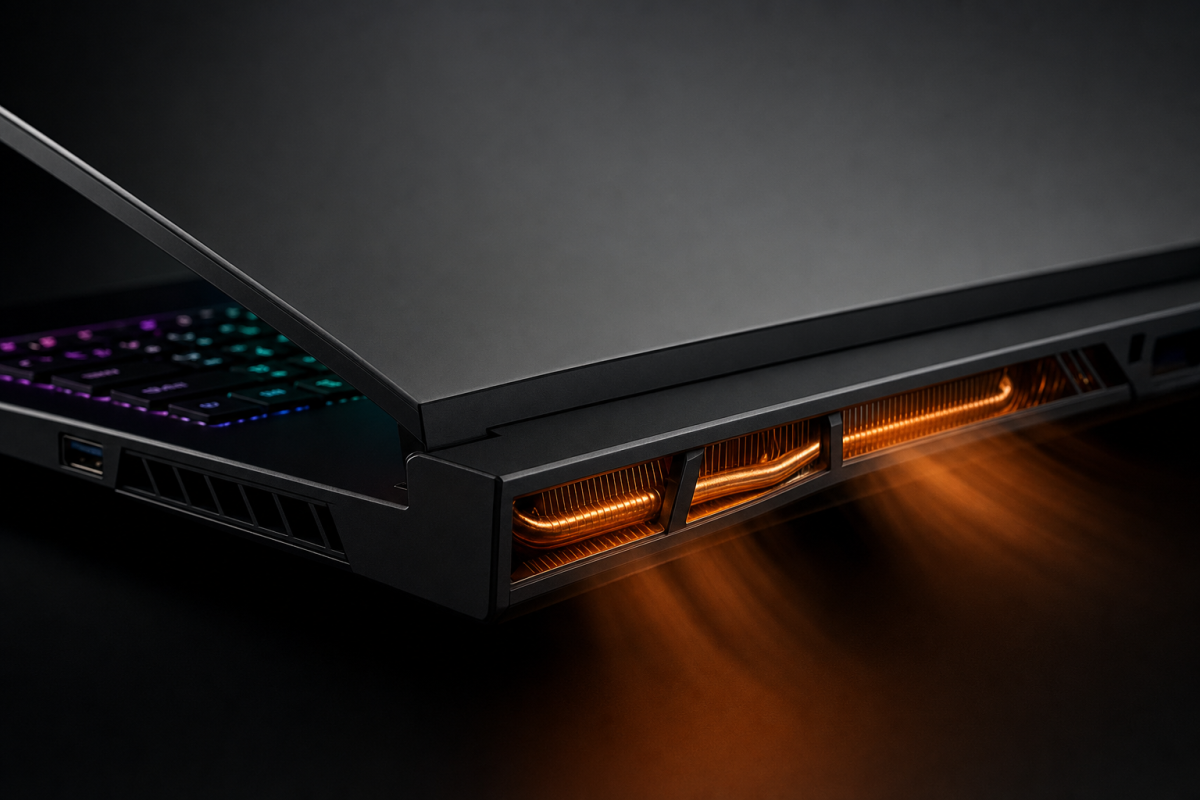
A TGP value is the manufacturer's promise that the cooling system can dissipate that power over an extended period. That promise is not always kept. A laptop allowed to push 100 watts to the GPU but which starts throttling after ten minutes because the heat has nowhere to go, will perform worse during a long work session than a machine that steadily dissipates 85 watts.
In business environments, this weighs even more heavily. A laptop on a desk in an open-plan office should not sound like a vacuum cleaner, and its underside should not get so hot that employees are reluctant to put it on their lap. Manufacturers that advertise a high TGP often only reach it in a performance mode where the fans run at full speed. In the standard or silent mode, the actual power drops back to a level that is sometimes closer to the entry value than to the advertised maximum.
That makes the RTX 5060 at 85 watts in a well-designed chassis the quieter choice in many cases. The larger chip has to work less hard for the same result, therefore produces less heat per task performed, and allows the fans to run at low speed more often. For an IT department looking to prevent complaints about noise and heat, that is a tangible benefit that does not appear in the specifications.
The power supply also deserves attention. A laptop with a high TGP needs a heavier adapter. Anyone who wants employees to work via a USB-C dock with power delivery should be aware that most docks do not deliver enough power for a GPU at 100 watts plus a processor under load. The system then falls back to a lower power profile, and the wattage advantage evaporates as soon as the laptop is connected to the dock.
Where the TGP threshold lies: a practical breakdown
For purchasing decisions, it helps to divide the wattages into three zones. This classification is a rule of thumb, not an absolute truth, but it works well in practice for the entry- and mid-range of the mobile RTX 50 series.
Zone 1: 45 to 60 watts. These are the thin and light machines. All chips here run well below their optimum, and the difference between an RTX 5050 and an RTX 5060 is small. In this zone, choose based on chassis, weight and battery life, not on the GPU name. An RTX 5050 at 60 watts is often the smarter and cheaper choice here than an RTX 5060 at 45 watts.
Zone 2: 60 to 85 watts. The transitional area. From around 65 watts onwards, the RTX 5060 starts to genuinely leverage its extra cores and pulls ahead of the RTX 5050, regardless of how many watts the latter is given. Anyone taking graphics work seriously should aim for an RTX 5060 in this zone. This is also the zone where the balance between performance, noise and heat works out most favourably for office use.
Zone 3: 85 to 100 watts and beyond. The domain of the thick workstations. Here, extra power still yields a modest gain for the RTX 5060, while it adds virtually nothing for the RTX 5050. Anyone buying in this zone should ask whether stepping up to an RTX 5070 might make more sense than maximising the wattage of a smaller chip. The price of a chassis that can reliably cool 100 watts is often higher than the surcharge for a larger GPU.
A method to determine the tipping point yourself
Reading specifications is one thing; verifying what a laptop actually does is quite another. The steps below take an afternoon per test model and prevent costly mistakes when rolling out dozens of machines.
Step 1: find out the actual TGP. Manufacturers have been required to state the TGP for several years now, but sometimes bury it deep in the datasheet. On the laptop itself, the value can be found in the NVIDIA control panel under system information. Also check whether the stated value includes or excludes Dynamic Boost; the difference can be fifteen to twenty-five watts.
Step 2: test in the mode employees actually use. Run a representative workload in standard mode, not in performance mode. Use a real task from your organisation: a render, an export, a simulation. Measure the time, not just a benchmark score.
Step 3: let the test run for at least twenty minutes. Short benchmarks show peak performance. Long tests show what the cooling system can sustain. Note whether the clock speed remains stable or slowly drops; a free monitoring tool will show this immediately.
Step 4: repeat the test on the dock. If employees work via USB-C, test with exactly that dock and cable. A laptop that excels on its own adapter but falls back on the dock delivers, in practice, the performance of the dock, not the adapter.
Step 5: measure noise and surface temperature. A decibel meter app on a phone isn't scientific, but it provides a useful comparison between two models at the same distance. After the test, feel the palm rest and the underside. A machine that becomes too hot to use comfortably will inevitably be set to silent mode by employees, at which point the performance you paid for disappears.
Anyone who follows these steps usually sees within a few hours where the tipping point lies for their own workload. Often it turns out that the RTX 5060 at 85 watts is not only faster, but also quieter and cooler than the RTX 5050 at 100 watts, and that the price difference between the two configurations is smaller than the difference in user experience.
What this means for procurement strategy in 2026
The most important lesson is that wattage is a means, not an end. A buyer who requires a minimum TGP in a tender will get laptops that meet that number, but not necessarily laptops that perform well. It's wiser to combine a minimum GPU class with a minimum TGP in the mid-range, and to add requirements for noise, surface temperature and performance on the dock.
For most professional applications that justify a discrete GPU, an RTX 5060 running between 65 and 85 watts is, in 2026, the sweet spot where performance, price, and usability all come together. The RTX 5050 remains an excellent choice for thin machines where wattage is limited anyway and the larger chip cannot leverage its advantage. The RTX 5050 running at its maximum 100 watts, on the other hand, is a configuration that looks impressive on paper but is rarely the best use of your budget in practice: you're paying for a heavy chassis just to push a small chip to a point where it barely gets any faster.
Those who take the time to thoroughly benchmark one test model per configuration with their own workload don't have to rely on the number printed on the box. And that is ultimately the only way to stay in control of what you're really buying.