
Are you color blind? You can install special color filters on SKIKK laptops and computers that ensure that you can clearly distinguish green, red and blue. In this tip you can read all about these color filters for green, red, blue and shades of gray.
With the special color filter software for color blind people you can ensure that the colors on the screen are adjusted, so that you can better see the difference between red, green and blue.
- Select the Start button, then select Settings> Ease of Access> High Contrast.
- To enable high contrast mode, turn on the toggle under Enable high contrast. Windows can display a wait screen of several seconds after which the colors on the screen change.
- Select the theme that works best for you from the Choose a theme drop-down menu.
- To turn off high contrast mode, turn off the toggle under Enable high contrast. Windows can display a waiting screen of a few seconds after which the colors on the screen are restored.
Tip
Press the Left Alt key + Left Shift key + Print screen + (Print Scrn on some keyboards) to quickly toggle the High Contrast mode on or off.
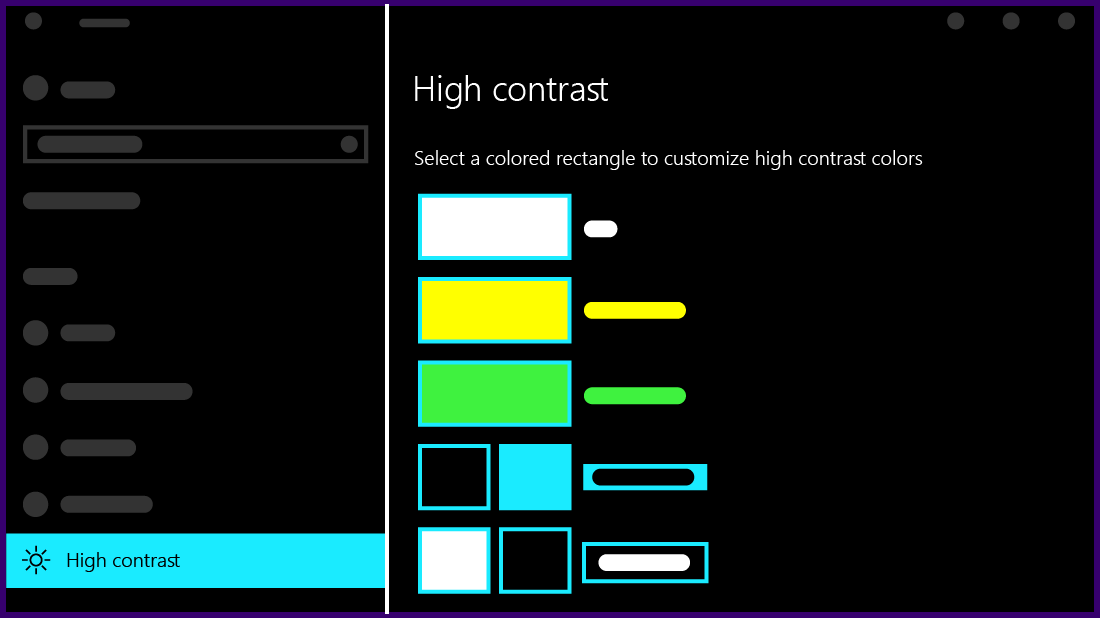
Create your own high contrast theme
If none of the default themes work well for you, you can further tweak the colors of various screen elements. For example, if you have some form of color blindness, you can replace those colors with others.
-
After selecting a theme, select one of the colored rectangles under the Choose a theme drop-down menu. You can change the color of the following screen elements:
- Text: almost all text you see in Windows or, for example, on a web page.
- Hyperlinks:almost all hyperlinks that you see in Windows or, for example, on a web page.
- Disabled text: text that is normally greyed out, for example when you cannot select a particular option or button.
- Selected text: A selected menu item or option. For example, the alignment of a selected paragraph in Word is indicated by this color on the ribbon.
- Button Text: Text on all buttons that contain text.
- Background: the background of almost all text you see in Windows or, for example, on a web page.
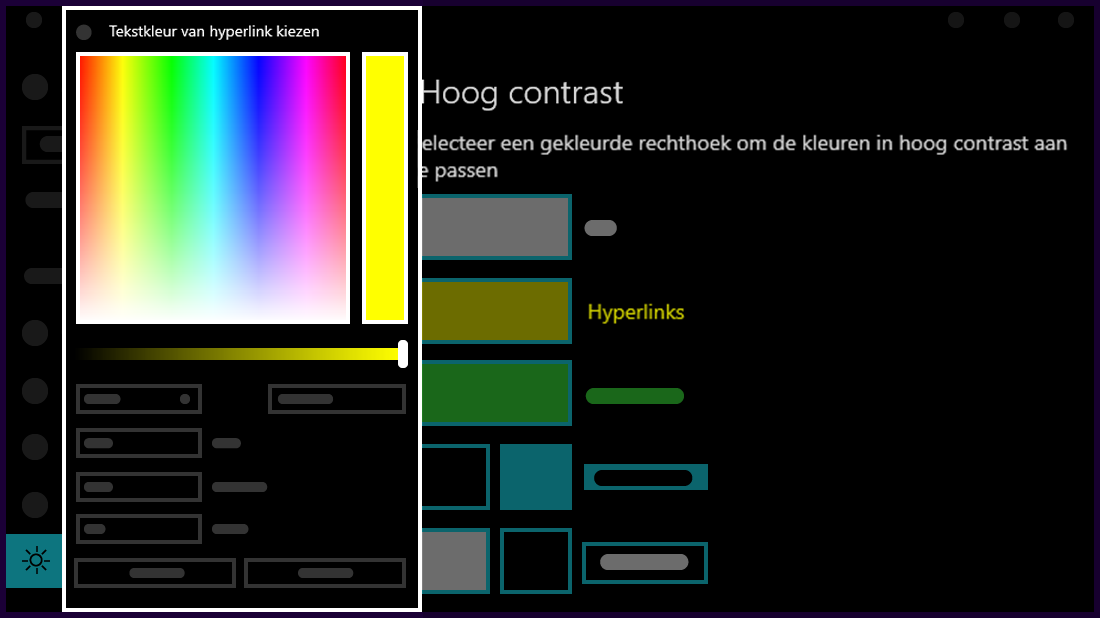
- Select a new color by clicking on the color picker palette, adjust the brightness of the selected color with the slider below the palette and select Done
- To save the color changes you made to the theme, select Apply.
Andere software
Visolve by Ryobi System Solutions
By means of a filter, colors can be better distinguished by adjusting colors, making them lighter or darker. The application for shading colors is unique. The latter is very useful for reading maps or diagrams, for example.
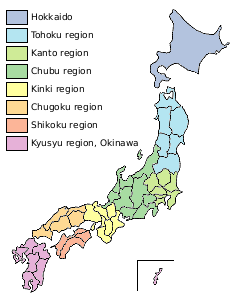
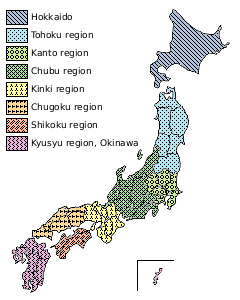
The possibilities of Visolve:
- Red / Green filter: red lighter, green darker
- Blue / Yellow filter: blue lighter, yellow darker
- Saturation filter: increases the intensity of all colors
- Filter: all colors darker except the chosen color
- Shading: gives each color its own shading
Download: Visolve
Color blindness tests by Colorlite
By means of various tests you know whether you are color blind. You can do these tests on any SKIKK computer or laptop.