Common mistakes when choosing a new laptop
You don't buy a new laptop for a few months, but for several years. Yet at SKIKK we see the same mistakes being made every day. The result? Unnecessary frustration, disappointing performance and a system that feels outdated sooner than expected.
In this article we discuss the most common pitfalls — and how to avoid them.
1. Only looking at the price
A low price may seem attractive, but it often comes with compromises in performance and build quality. Cheap laptops are frequently delivered with entry-level processors, minimal amounts of RAM and slower storage.
The consequence: a system that falls short after just one to two years.
Advice: invest in future-proof specifications such as at least 16GB RAM, a fast NVMe SSD and a recent-generation processor.
2. Choosing too little memory
8GB RAM was acceptable a few years ago. Not anymore. Think of dozens of browser tabs, video meetings, heavy Office files or creative software.
Too little memory leads to lag, stuttering and a less productive workflow.
Advice: choose at least 16GB for business or study use. For content creation, AI or demanding applications, 32GB or more is recommended.
3. Not taking mobility into account
A larger screen offers comfort, but adds extra weight. A 17-inch laptop including the adapter can easily exceed 3 kilograms.
Do you work on the go a lot? Then size and weight play a crucial role in daily ease of use.
Advice: match the size to your use case: 14 inch for maximum mobility, 15.6 inch as an all-rounder and 17 inch for fixed workstations.
4. No clear usage goal
A powerful gaming GPU is unnecessary for email and word processing only. Conversely, a standard office laptop is unsuitable for 3D design or video editing.
The lack of a clear usage analysis often leads to the wrong configuration.
Advice: determine in advance:
- What software do I use daily?
- Is graphics power necessary?
- How important is battery life?
- Do I work with AI applications?
5. Ignoring upgradability
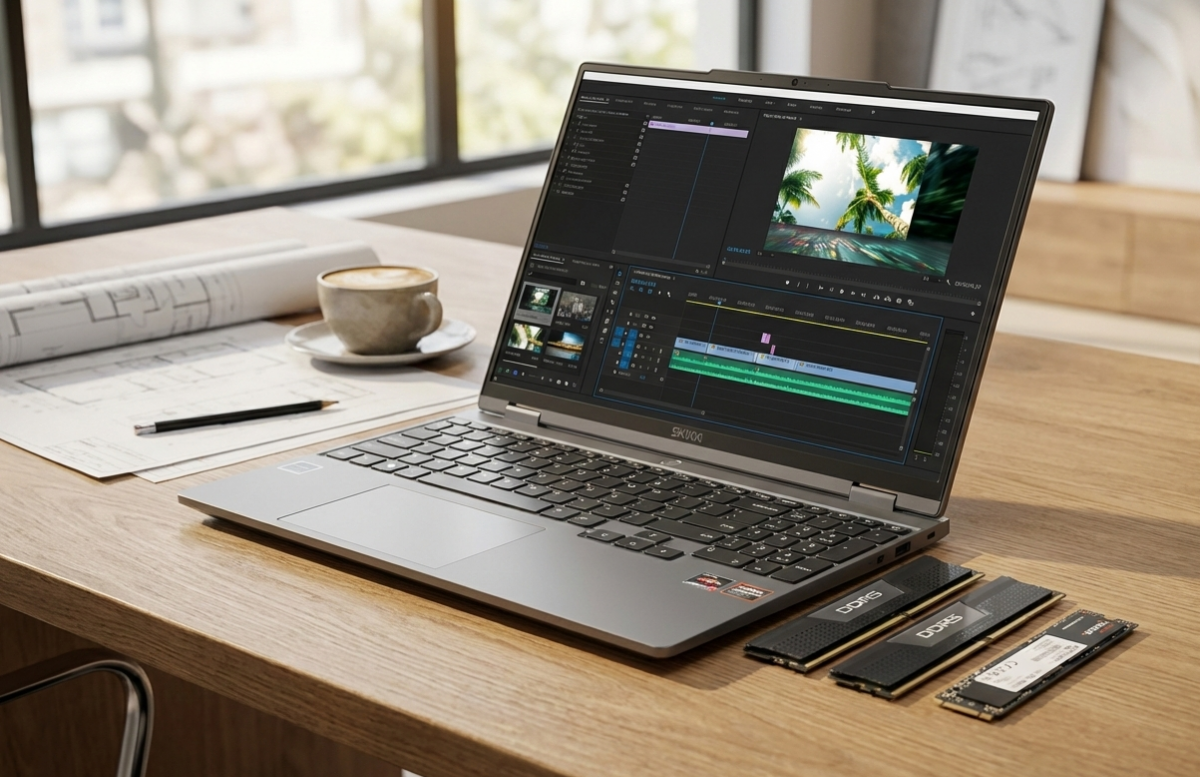
Many modern laptops have limited upgradability. RAM is soldered, storage is not replaceable and there is no room for extra drives.
That means you're stuck with your original configuration.
Advice: choose a model where RAM and SSD are replaceable or upgradable. This significantly extends the lifespan.
6. Underestimating service and support
Hardware performance is important, but service is at least as crucial. What happens when something fails? How quickly is action taken?
A laptop is often an essential work tool. Downtime costs productivity and money.
Advice: choose a supplier who:
- Assembles and tests systems individually
- Is directly reachable for questions
- Is transparent about component choice
Conclusion
The biggest mistake when choosing a new laptop is insufficient preparation. A laptop should match your work — today and for years to come.
By clearly defining what you need in advance and investing in upgradability, performance and support, you avoid a bad purchase.
At SKIKK we build custom systems, tailored to professional use, with full transparency in component choice and configuration.